Nganjuk › מזרח: Pasar Sukomoro
 Nganjuk, אינדונזיה
Real-Time Environment
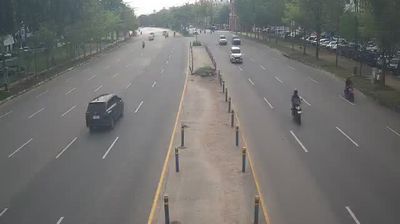
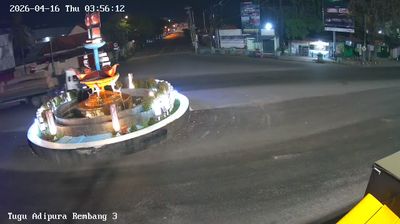
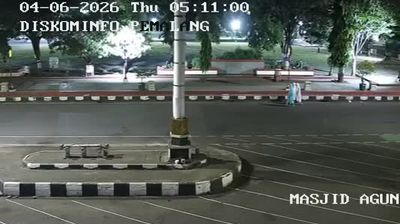
Welcome to the live streaming webcam for Nganjuk › מזרח: Pasar Sukomoro, perfectly situated in the vibrant region of Nganjuk, אינדונזיה. Watching this live camera allows you to instantly experience the local atmosphere and monitor current climate conditions.

About Nganjuk Regency
Nganjuk Regency is a regency (kabupaten) of East Java Province, Indonesia. It borders Bojonegoro Regency in the north, Jombang Regency in the east, Kediri Regency in the south and Madiun Regency in the west. It covers an area of 1,288.91 sq. km, and had a population of 1,017,030 at the 2010 Census and 1,103,902 at the 2020 Census; the official estimate as at mid 2024 was 1,148,611. The administrative centre of the regency is the town of Nganjuk. The current regent is Dr. Drs. H. Marhaen Djumadi, S.E., S.H., M.M., M.B.A.
📖 Read more on Wikipedia📍 Location Facts
-
Country
 אינדונזיה
- Region Jawa Timur
- City Nganjuk
- Coordinates -7.6019°N, 111.9445°E
Have you been to Nganjuk?
Help the community! Share your experience, tell us about the weather, or upload your own photos from this exact location.