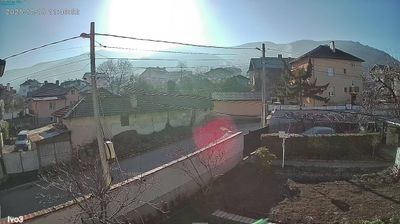
Хасково › צפון: Часовникова кула - монумент "1000 години Хасково"
 Хасково, בּוּלְגַרְיָה
Real-Time Environment
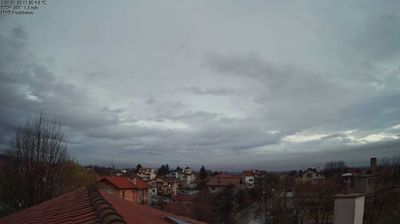
Welcome to the live streaming webcam for Хасково › צפון: Часовникова кула - монумент "1000 години Хасково", perfectly situated in the vibrant region of Хасково, בּוּלְגַרְיָה. Watching this live camera allows you to instantly experience the local atmosphere and monitor current climate conditions.

About Haskovo
Haskovo is a city in the region of Northern Thrace in southern Bulgaria and the administrative centre of the Haskovo Province, not far from the borders with Greece and Turkey. According to Operative Program Regional Development of Bulgaria, the urban area of Haskovo is the seventh largest in Bulgaria and has a population of 184,731 inhabitants. Haskovo has a population of 64,564 as of 2022, making it Bulgaria's 12th largest city.
📖 Read more on Wikipedia📍 Location Facts
-
Country
 בּוּלְגַרְיָה
- Region Хасково
- City Хасково
- Coordinates 41.9326°N, 25.5556°E
Have you been to Хасково?
Help the community! Share your experience, tell us about the weather, or upload your own photos from this exact location.